Identity Protection
Phishing-Resistant MFA: A Practical Rollout Guide for Small Businesses
Move beyond password-only sign-ins with a phased plan for security keys, passkeys, account recovery, and employee adoption.
Identity Defense 247 Research Team
Start with the difference that matters
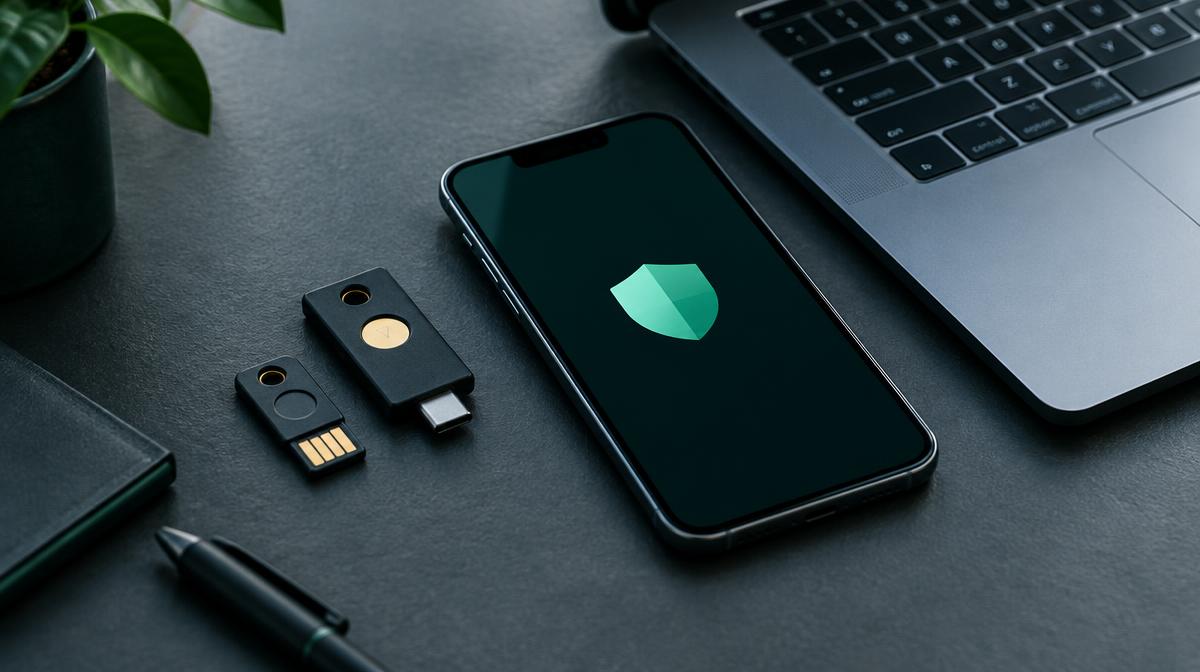
Multifactor authentication adds another check to sign-in, but the methods are not interchangeable. A code can be entered into a fake sign-in page, and an unexpected push prompt can be approved by mistake. Phishing-resistant authentication is designed to prevent authentication to an impostor site.
CISA recommends phishing-resistant MFA, including FIDO2/WebAuthn approaches. Security keys and supported passkeys can be part of that approach. Verify the options in each service you use rather than assuming every tool supports the same protections.
Choose a manageable first wave
For a lean IT team, a focused pilot is easier to support than changing every account at once. Start with administrators, business email, and people who approve payments. Include a representative employee so that everyday usability problems surface early.
- Inventory email, finance, file-sharing, and remote-access services and their supported sign-in methods.
- Check the provider's licensing, device, and browser requirements before choosing authenticators.
- Assign an owner to enrollment, support, and exceptions.
- Test a security key or supported passkey on an ordinary work device before wider deployment.
Build recovery before enforcing the policy
A lost device should not force a rushed return to weak authentication. NIST's small-business guidance recommends registering more than one authenticator. Where supported, enroll a backup security key or another approved method and keep recovery procedures documented.
Recovery can become the weakest link. Use an identity-verification process for resets, protect recovery codes, and tightly control emergency access. Do not disable every fallback until the approved recovery process has been tested.
- Test sign-in, a lost-device scenario, and administrator recovery during the pilot.
- Store backup authenticators and recovery material securely, separate from the everyday device.
- Tell employees how to report a lost key and where to get help.
- Review emergency accounts and exceptions regularly with your IT owner.
Expand coverage and measure adoption
Roll out in groups, track enrollment, and resolve blockers before enforcement. Confirm that every intended account is covered; a policy that excludes an old administrator or an overlooked remote-access service can leave a gap.
Where phishing-resistant methods are not yet available, use the strongest supported MFA while planning the transition. Reduce weaker methods and unnecessary exceptions as compatibility allows. MFA complements unique passwords, updates, device security, and credential monitoring—it is not a guarantee against every kind of compromise.