
Overview
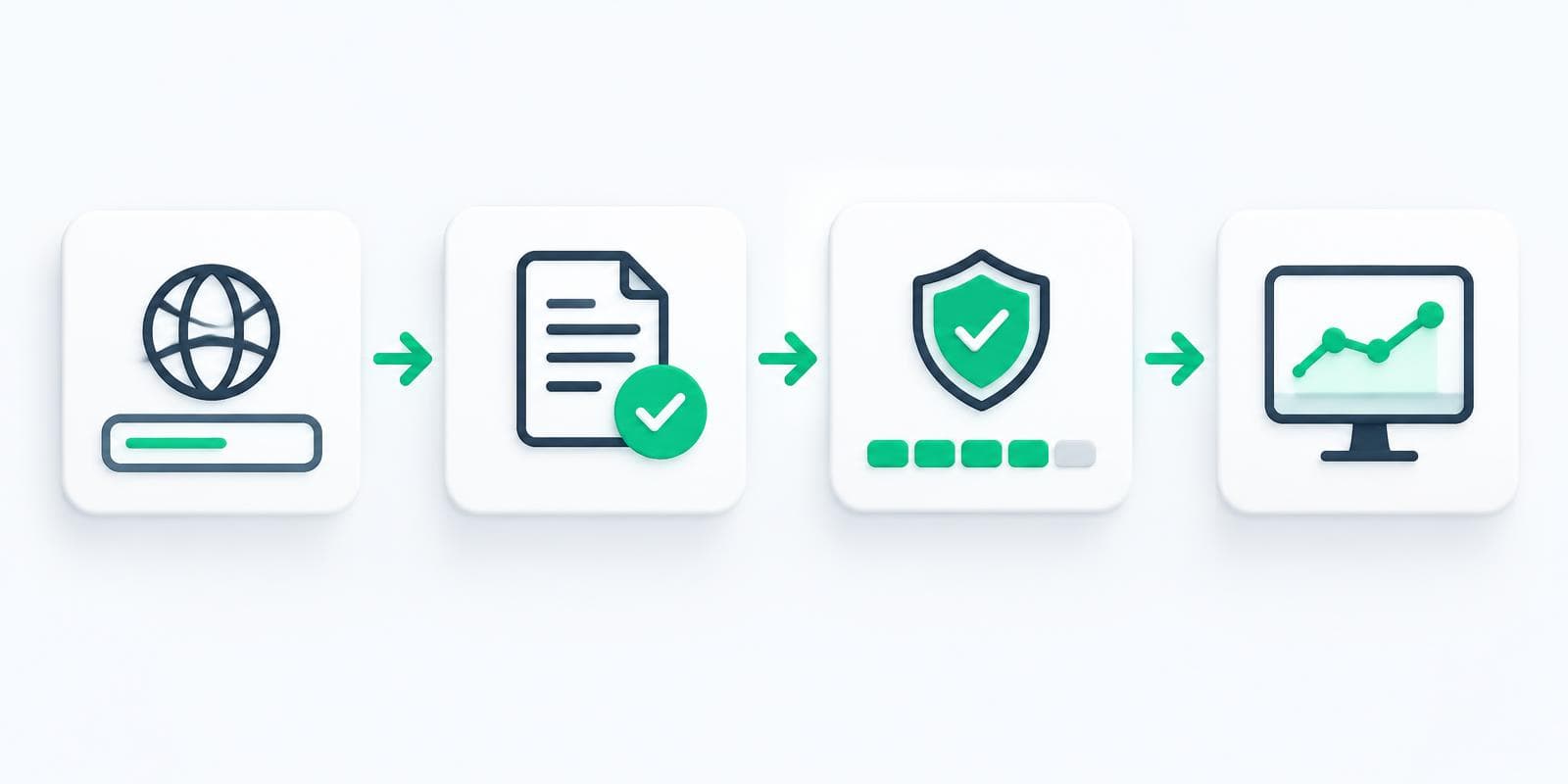
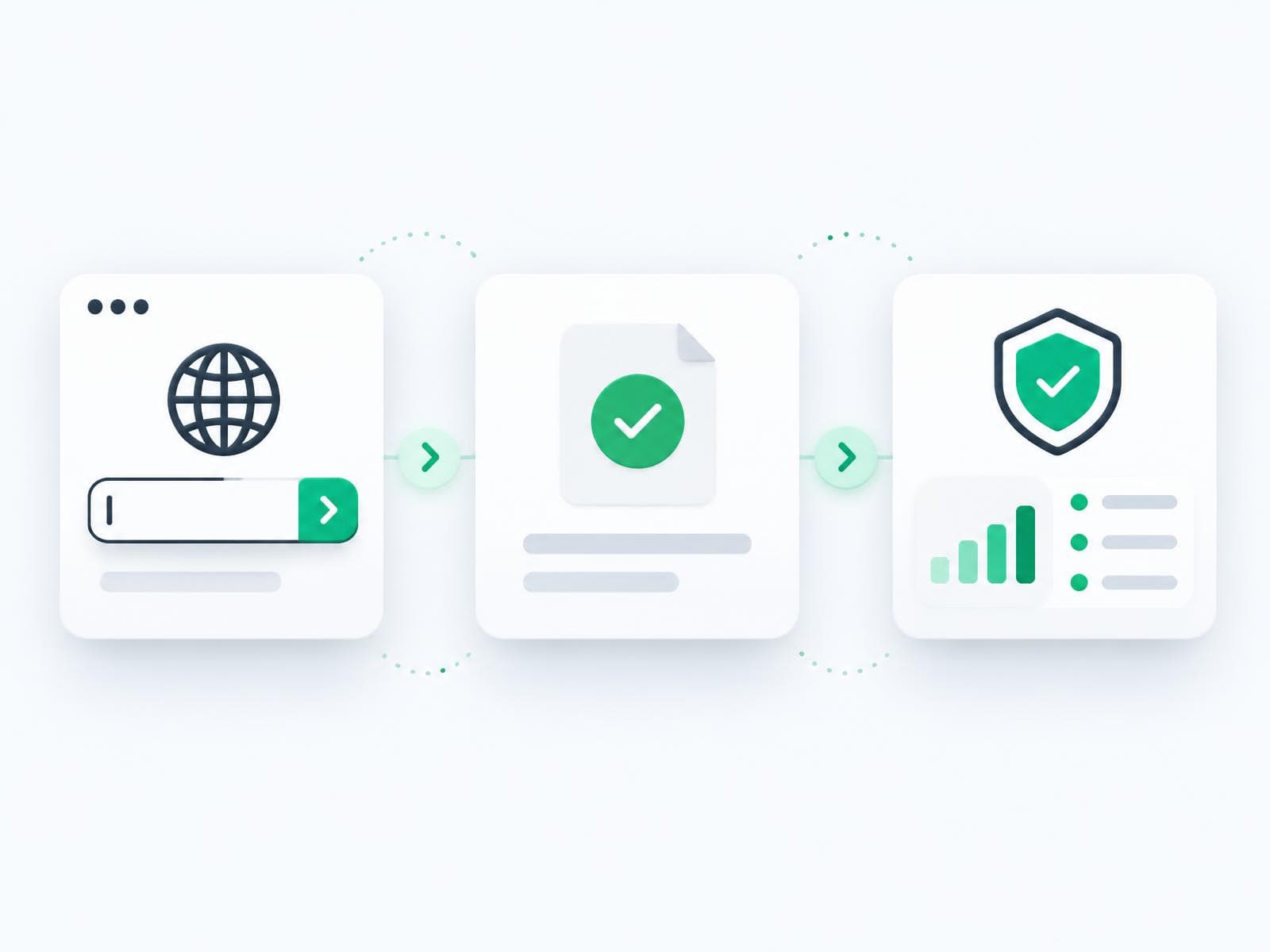
Identity Defense 247 helps owners and operators see what is exposed on their domain and work email, then take practical next steps. You can start with a free public check, or open a 7-day trial for continuous monitoring.
This guide walks through the first session: account setup, your first scan, reading your score, and optional domain verification.
Create your account or start a trial
From Pricing, choose a plan and start a free 7-day trial. A credit card is required; cancel before day 8 to avoid charges.
During the trial you get full monitoring access for the selected plan. After the trial, billing continues on that plan unless you cancel.
Run a free website check
Prefer to look around first? Use the free website scanner — no account required. Enter your company domain and get a plain-English snapshot in about 30 seconds.
You can also check one work email for known password leaks, or review published email defenses.
Understand your security score
Your security score summarizes public signals about your domain and related exposures. Higher is better. The score is a starting point — each finding includes what it means and what to do next in plain English.
Free scans are a point-in-time snapshot. Continuous monitoring watches for new exposures and changes after you start a plan or trial.
Verify your domain
To unlock full monitoring for a domain you own, you may be asked to add a simple DNS record. We show the exact steps. Many owners forward that guide to their IT provider or registrar support.
Verification confirms you control the domain so we do not show another business’s data in your workspace.
What you get on day 1
After your first monitoring session, you typically see:
- Your security score (0–100)
- Exposed business emails that need review
- Email protection settings status (sender verification and related records)
- A report you can share with leadership or an insurance broker
- Step-by-step fix instructions
Next steps and monitoring
Work through recommended actions in priority order. Turn on alerts so you are not the last to know when something changes. Revisit the dashboard after DNS or email provider updates.
Need a person? Email support@identitydefense247.com or use Contact & Support.
Common questions
How long does setup take? Most owners finish the first score in a few minutes. DNS verification can take a little longer depending on your provider.
Do I need an IT person? Not required. We show exact DNS steps. Many customers forward the guide to their IT provider.
Can I start with one domain? Yes. Starter and Pro cover one primary domain; Enterprise supports more.
Still have questions?
Talk to a real person — email, schedule a call, or browse more support options.